


Introduction
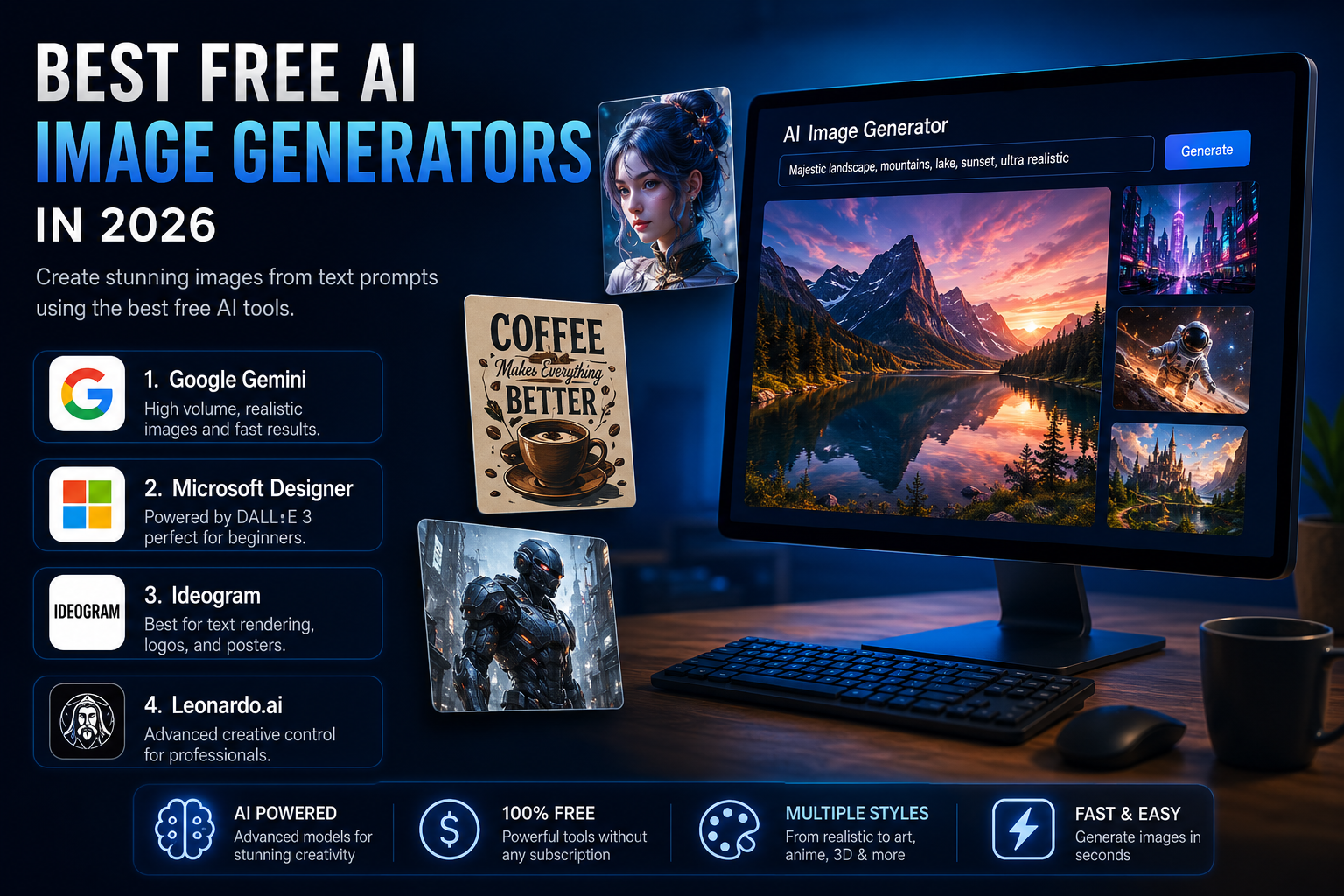
Artificial intelligence has completely transformed the way people create digital art. What once required years of experience with graphic design software can now be accomplished in minutes using AI image generators. In 2026, these tools have become smarter, faster, and more creative than ever before. Whether you’re a content creator, blogger, digital marketer, student, entrepreneur, or professional designer, AI image generators allow you to turn simple text prompts into stunning visuals without needing advanced artistic skills.
The biggest improvement in 2026 isn’t just the quality of AI-generated images—it’s accessibility. Most leading AI companies now offer surprisingly powerful free plans that enable users to create realistic photos, fantasy artwork, illustrations, logos, marketing materials, social media graphics, and even concept art without paying a subscription fee. Free users no longer have to settle for low-quality outputs or extremely restrictive limits. Instead, today’s AI platforms compete by offering generous daily image generations, improved prompt understanding, better text rendering, and professional editing capabilities.
Choosing the right AI image generator depends on your specific needs. Some platforms specialize in realistic photography, while others excel at typography, branding, or consistent character creation. Understanding the strengths of each platform can save time and help creators produce higher-quality content more efficiently.
This guide explores the best free AI image generators available in 2026, highlighting their unique strengths, ideal use cases, advantages, limitations, and why each one deserves a place in your creative toolkit.
The Evolution of AI Image Generation
AI image generation has advanced rapidly over the past few years. Early models often produced distorted faces, inaccurate hands, unreadable text, and inconsistent compositions. While impressive for their time, they lacked the reliability required for professional work.
By 2026, modern AI systems have solved many of these problems. Today’s models generate:
- Highly realistic human portraits
- Consistent characters across multiple images
- Accurate lighting and shadows
- Professional typography
- Better anatomy and proportions
- Improved prompt understanding
- High-resolution outputs
- Faster generation times
The biggest difference is that creators now spend less time correcting AI mistakes and more time refining their ideas.
1. Google Gemini – The Volume Leader
Google Gemini has become one of the strongest free AI image generators available today. Instead of limiting creativity with extremely low daily credits, Google offers one of the most generous free image-generation experiences on the market.
Why Gemini Stands Out
Gemini combines Google’s powerful AI technology with deep knowledge from Google Search. This enables the model to understand highly detailed prompts while generating accurate, visually appealing images across numerous artistic styles.
One of Gemini’s biggest advantages is its generous daily image generation limit. Many users can create dozens of high-quality images every day without purchasing a premium subscription. This makes it perfect for creators who frequently experiment with different ideas before choosing the final result.
Gemini also performs exceptionally well when generating realistic photography, landscapes, architecture, food photography, fantasy illustrations, cinematic artwork, product concepts, and modern digital illustrations.
Best Features
- Up to around 100 image generations daily
- Excellent prompt understanding
- Fast image creation
- High realism
- Multiple artistic styles
- Strong integration with Google services
- Beginner-friendly interface
Best For
Google Gemini is ideal for:
- Bloggers
- YouTubers
- Students
- Social media creators
- Marketing professionals
- Website owners
- Small businesses
Anyone who creates visual content regularly will appreciate Gemini’s generous free plan.
2. Microsoft Designer – The DALL·E 3 Powerhouse
Microsoft Designer continues to dominate as one of the easiest AI image generators available in 2026. Powered by OpenAI’s DALL·E 3 technology, it focuses on delivering polished, professional-looking images through an incredibly simple interface.
Why Microsoft Designer Excels
Unlike many complicated AI platforms, Microsoft Designer allows beginners to generate beautiful artwork almost instantly. Users simply describe what they want, and the AI handles the rest.
Even after the daily fast-generation credits are exhausted, users can continue generating images through the slower queue, making the platform effectively usable throughout the day.
This balance between speed and accessibility makes Microsoft Designer one of the best free AI tools for casual users.
Key Features
- Powered by DALL·E 3
- Beginner-friendly interface
- Excellent image quality
- Strong prompt accuracy
- Unlimited slower image generation
- Integrated editing tools
- Easy sharing options
Best For
Microsoft Designer works especially well for:
- Presentations
- Blog thumbnails
- Marketing graphics
- Social media posts
- Posters
- Educational content
- Small business promotions
3. Ideogram – The King of AI Typography
One of the biggest challenges in AI image generation has always been creating readable text inside images. Most AI models produce distorted letters or random characters that look unprofessional.
Ideogram solves this problem better than almost any competitor.
Why Ideogram Is Different
Ideogram was designed specifically to handle typography alongside image generation. Whether creating advertisements, logos, YouTube thumbnails, posters, banners, product mockups, or social media graphics, Ideogram produces remarkably accurate text.
Instead of treating words as visual noise, the AI understands typography as part of the design itself.
This makes it an invaluable tool for designers who frequently need words integrated directly into images.
Key Features
- Exceptional text rendering
- High-quality poster creation
- Professional branding support
- Multiple artistic styles
- Easy editing workflow
- Creative typography options
- Fast generation speeds
Best For
Ideogram is perfect for:
- Graphic designers
- Social media managers
- Brand designers
- Marketing agencies
- Logo creators
- Small businesses
- Advertising professionals
4. Leonardo.ai – Professional Creative Freedom
Leonardo.ai has become one of the most advanced free AI image generators available in 2026. While beginners can certainly use it, the platform truly shines for creators who want deeper creative control.
Why Leonardo.ai Stands Out
Unlike simpler AI generators, Leonardo offers professional features usually reserved for premium creative software.
Users can maintain consistent characters across multiple images, fine-tune models, use negative prompts, upscale artwork, remove backgrounds, and explore specialized artistic models.
These features make Leonardo especially popular among game developers, concept artists, digital illustrators, and creative professionals.
Professional Features
- Character consistency
- Negative prompting
- Image refinement
- AI upscaling
- Fine-tuned AI models
- Professional editing tools
- Credit-based free plan
Best For
Leonardo.ai is ideal for:
- Game development
- Comic artists
- Character designers
- Concept artists
- Fantasy creators
- Digital illustrators
- Professional creatives
How to Choose the Right AI Image Generator
Different creators have different priorities. Choosing the right platform depends on the type of work you produce.
Choose Google Gemini if you:
- Need many images every day
- Prefer realistic visuals
- Want generous free limits
- Create blog or website content
Choose Microsoft Designer if you:
- Are new to AI
- Want quick professional images
- Need presentation graphics
- Prefer a simple interface
Choose Ideogram if you:
- Design posters
- Need readable text
- Create logos
- Build social media graphics
Choose Leonardo.ai if you:
- Need advanced controls
- Create characters
- Design games
- Produce concept art
Tips for Getting Better AI Images
Even the best AI generator performs better when given detailed instructions. Writing strong prompts significantly improves image quality.
Some useful tips include:
- Be specific about the subject.
- Describe the lighting.
- Mention camera angles.
- Include artistic style.
- Specify colors.
- Add background details.
- Mention image quality.
- Include aspect ratio if needed.
For example, instead of writing:
“A cat.”
Write:
“A realistic orange Persian cat sitting beside a rainy window at sunset, cinematic lighting, ultra-detailed fur, shallow depth of field, 8K photography.”
The second prompt provides the AI with much richer information, resulting in dramatically better artwork.
Advantages of Free AI Image Generators
Modern free AI tools provide numerous benefits that were once available only through expensive software.
These advantages include:
- Faster content creation
- No drawing skills required
- Affordable creative workflow
- High-quality outputs
- Time savings
- Creative inspiration
- Marketing support
- Professional presentations
- Social media content
- Website graphics
For freelancers and small businesses, these tools can replace hours of manual graphic design work.
Limitations to Keep in Mind
Although AI image generators are incredibly powerful, they are not perfect.
Users may occasionally experience:
- Daily generation limits
- Waiting queues
- Watermarks on some platforms
- Limited editing features
- Restricted commercial usage depending on licensing
- Occasional prompt misunderstandings
- Minor anatomical mistakes
Fortunately, these limitations continue to decrease as AI technology improves.
The Future of AI Image Generation
The next generation of AI image generators is expected to focus on even greater realism, interactive editing, and complete creative workflows.
Future improvements may include:
- Perfect character consistency
- AI-generated animations
- Interactive scene editing
- 3D object generation
- Voice-to-image creation
- Real-time collaborative design
- Improved commercial licensing
- Better integration with creative software
Rather than replacing artists, AI will continue to function as a powerful creative assistant that speeds up production while allowing humans to focus on storytelling, design decisions, and originality.
Conclusion
The world of AI-generated art has matured significantly in 2026. Free image generators now provide capabilities that rival professional creative software, making high-quality visual content accessible to everyone.
Google Gemini leads with generous daily image generation and realistic outputs, making it an excellent all-around choice. Microsoft Designer simplifies AI creativity with DALL·E 3-powered images that are perfect for beginners. Ideogram dominates whenever accurate typography is essential, while Leonardo.ai offers unmatched creative control for professionals and advanced users.
Ultimately, the best AI image generator depends on your goals. Many creators find that combining multiple platforms provides the greatest flexibility—using Gemini for volume, Microsoft Designer for polished visuals, Ideogram for text-based designs, and Leonardo.ai for complex creative projects.
As AI technology continues to evolve, free image generators will become even more powerful, allowing creators of every skill level to transform imagination into stunning visual reality faster than ever before.